10 Best Chatbot for WordPress: AI Plugins & Widgets
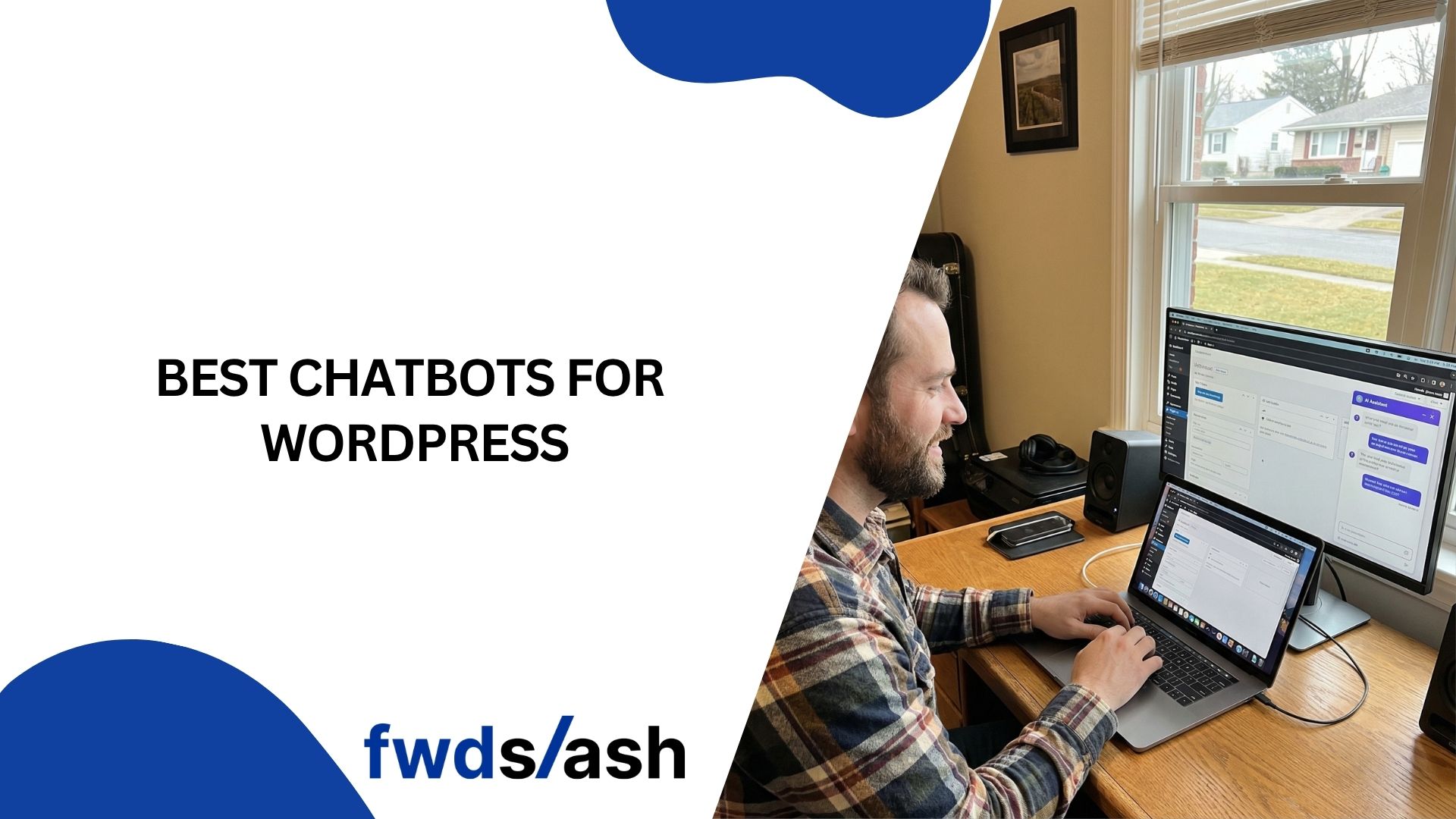
Your WordPress site is working around the clock, but without a chatbot, every visitor who has a question after hours leaves without an answer. That is a missed lead, a lost sale, or a frustrated customer who goes to a competitor instead.
AI chatbots for WordPress have come a long way from scripted FAQ bots. In 2026, the best options use natural language processing, train on your actual site content, and integrate with WooCommerce, CRMs, and messaging platforms out of the box. The right plugin turns your website into a 24/7 support and sales machine.
This guide covers 10 of the best chatbots for WordPress, including native plugins, embeddable widgets, and AI-powered platforms that work seamlessly with your existing setup.
10 Best Chatbot for WordPress
1. FwdSlash
FwdSlash lets you deploy an AI chatbot on your WordPress site without writing code. It crawls your website content automatically to build a custom knowledge base, so the chatbot answers questions grounded in your actual pages, products, and documentation.
FwdSlash supports multiple AI models (OpenAI, Anthropic, DeepSeek, and more) and integrates directly with WordPress through a simple embed. Beyond your website, the same agent works across Slack, Shopify, and other platforms from a single dashboard. If you want to integrate ChatGPT into WordPress with your own data powering the responses, FwdSlash is the fastest way to get there.
Best for: WordPress site owners who want a no-code AI agent trained on their own content.
Pricing: Free tier available. Paid plans based on usage.
2. Tidio (Lyro AI)
Tidio is one of the most popular WordPress chatbot plugins, combining live chat, AI chatbots, and email marketing. Its AI agent Lyro learns from your support content and delivers conversational responses. The WordPress plugin installs in minutes and includes a visual chatbot builder with pre-built templates for e-commerce.
Tidio integrates natively with WooCommerce, so the chatbot can handle product questions, order tracking, and shipping inquiries using your store's actual data.
Best for: Small e-commerce stores and WooCommerce shops on a budget.
Pricing: Free plan available. Lyro AI starts at $32.50 per month for 50 conversations.
3. MxChat
MxChat is built specifically for WordPress from the ground up. It uses Retrieval-Augmented Generation (RAG) to pull answers directly from your site content, WooCommerce products, PDFs, and FAQs. The no-code builder lets you create unlimited chatbots, and the plugin integrates cleanly without slowing down your site.
What makes MxChat stand out is its one-time pricing model. You pay once instead of monthly, which makes it one of the most cost-effective options for WordPress site owners.
Best for: WordPress users who want a native, self-hosted AI chatbot with no recurring fees.
Pricing: One-time payment starting at $59.
4. Chatbase
Chatbase lets you build a custom AI chatbot by uploading your website URLs, PDFs, or Notion pages. It supports multiple AI models including GPT-4 and Claude, and deploys to your WordPress site through an official embed plugin.
Beyond your website, Chatbase pushes the same chatbot to WhatsApp, Facebook Messenger, Instagram, and Slack. It also supports AI Actions for booking appointments, creating support tickets, and triggering API calls.
Best for: Businesses that need one chatbot deployed across WordPress and multiple messaging channels.
Pricing: Free plan available. Paid plans start at $19 per month.
5. HubSpot WordPress Plugin
HubSpot's free WordPress plugin includes a chatbot builder alongside its CRM, forms, and email marketing tools. You can create automated conversation flows for lead capture, meeting booking, and support ticket creation directly within the WordPress dashboard.
Every chatbot interaction logs to the HubSpot contact record automatically. For WordPress sites already using HubSpot for marketing or sales, the chatbot adds zero extra cost and requires no additional tools.
Best for: WordPress sites already using HubSpot CRM that want free chatbot functionality.
Pricing: Free. Advanced features on paid HubSpot plans from $45 per month.
6. WPBot
WPBot is a native WordPress chatbot plugin that works without any third-party platform dependencies. The free version includes basic conversational flows, FAQ handling, and simple lead capture. The pro version connects to OpenAI, Google Gemini, and DialogFlow for AI-powered responses.
WPBot stores everything locally on your WordPress installation, which is a plus for businesses concerned about sending data to external services. It also integrates with WooCommerce for product search and recommendations.
Best for: WordPress users who want a self-contained chatbot plugin with optional AI upgrades.
Pricing: Free version available. Pro plans start at $39 per year.
7. Freshchat
Freshchat by Freshworks offers a WordPress widget that combines live chat with AI chatbot capabilities. Freddy AI handles routine questions, suggests responses to agents, and classifies tickets automatically. The widget installs quickly and connects to the Freshworks suite for CRM and helpdesk functionality.
Freshchat supports multilingual conversations and works across your website, email, and social media from a unified inbox.
Best for: Small to mid-size businesses wanting live chat plus AI in one affordable platform.
Pricing: Free plan available. Paid plans from $15 per agent per month.
8. Collect.chat
Collect.chat takes a different approach by using conversational forms instead of open-ended AI chat. You build interactive chat flows using a drag-and-drop builder, and the chatbot guides visitors through structured conversations to collect leads, book appointments, and gather feedback.
It integrates with Salesforce, Mailchimp, Slack, Google Sheets, and Zapier. While it lacks the AI depth of some other tools, its simplicity and reliability make it effective for lead generation.
Best for: WordPress sites focused on lead capture and appointment booking through structured conversations.
Pricing: Free plan available. Paid plans start at $18 per month.
9. Zendesk Chat
Zendesk offers a WordPress chat plugin that connects to its full customer service platform. The AI-powered Answer Bot resolves common questions using your help center content and hands off to human agents when needed. Its strength is the integration with the broader Zendesk ecosystem, including ticketing and analytics.
Best for: WordPress sites already using Zendesk for customer support and ticketing.
Pricing: Zendesk Suite starts at $55 per agent per month.
10. ManyChat
ManyChat is not a traditional WordPress plugin, but it integrates with WordPress sites through embeddable widgets and pop-ups. It specializes in automating conversations on Instagram, Facebook Messenger, WhatsApp, and SMS. The widget on your site can trigger Messenger conversations, collect emails, and route visitors to the right channel.
Best for: WordPress sites that rely on social media traffic and want messaging automation.
Pricing: Free plan available. Pro plans from $15 per month.
What to Look for in a WordPress Chatbot
The best WordPress chatbot depends on your site's purpose and your technical comfort level.
For e-commerce sites, prioritize WooCommerce integration so the chatbot can access product data, order status, and inventory. For lead generation sites, look for structured conversation flows and CRM integration. For content-heavy sites, RAG-based chatbots that train on your existing pages deliver the most accurate responses.
Always test the plugin's impact on page speed. A chatbot that hurts your Core Web Vitals will cost you search rankings. Install it, run a PageSpeed test, and confirm it does not add significant load time.
For more on choosing the right approach, explore how AI chatbots compare to human agents and how the evolution of website chatbots has shaped today's tools.
Conclusion
Adding an AI chatbot to your WordPress site is one of the highest-impact changes you can make in 2026. The tools on this list range from free native plugins to full AI platforms, and most can be installed in under 15 minutes. Start with one that matches your primary goal, whether that is support, sales, or lead capture, and expand from there.
Frequently Asked Questions
1) What is the best free chatbot plugin for WordPress?
Tidio, HubSpot, and WPBot all offer free WordPress chatbot plugins. Tidio includes live chat and basic bot flows. HubSpot's plugin adds a chatbot alongside its free CRM. WPBot provides a fully self-contained chatbot that runs on your WordPress installation.
2) Do WordPress chatbots slow down my website?
They can if poorly built. Test your page speed before and after installation. Native plugins like MxChat and WPBot tend to be lighter. External widgets from platforms like FwdSlash and Chatbase load asynchronously, minimizing impact on Core Web Vitals.
3) Can I train a WordPress chatbot on my own content?
Yes. Platforms like FwdSlash, MxChat, and Chatbase use RAG technology to train the chatbot on your website pages, product catalogs, and uploaded documents. This means the chatbot answers from your actual data, not generic AI knowledge.
4) Which chatbot is best for WooCommerce?
Tidio and MxChat offer the deepest WooCommerce integrations, with product search, order tracking, and inventory checks built in. WPBot also supports WooCommerce product recommendations.
5) Can I use one chatbot across my WordPress site and messaging apps?
Yes. Platforms like FwdSlash, Chatbase, and ManyChat deploy the same chatbot across your website, WhatsApp, Messenger, Slack, and other channels from a single dashboard.


Lastest blog posts
Tool and strategies modern teams need to help their companies grow.