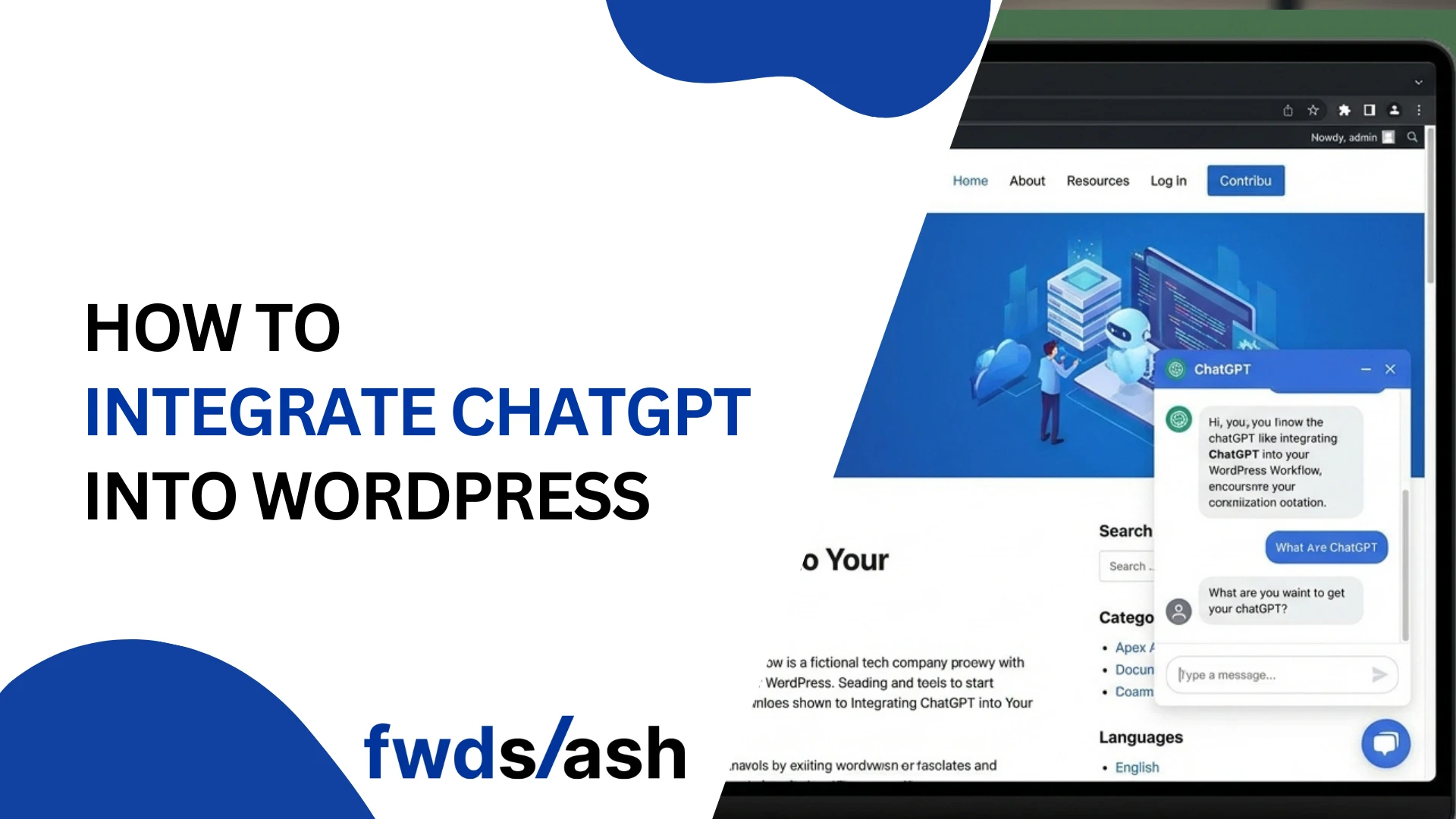
How to Integrate ChatGPT into WordPress (6 Easy Ways)
WordPress powers over 43% of all websites on the internet, making it the world's most popular content management system. Meanwhile, ChatGPT has exploded to 800 million weekly active users as of 2025, with businesses increasingly leveraging AI to enhance customer experiences.
The intersection of these two powerhouses creates incredible opportunities. Whether you want to add an AI chatbot for customer support, automate content creation, or build intelligent conversational experiences, integrating ChatGPT with WordPress has never been easier.
In this comprehensive guide, we'll walk you through 6 proven methods to integrate ChatGPT into your WordPress site—from no-code solutions that take just 4 minutes to developer-friendly API integrations.
How to Integrate ChatGPT into WordPress (Step by Step Guide)
Method 1: FwdSlash – Deploy AI Agents in 4 Minutes (No Code Required)
Best for: Business owners, marketers, and anyone wanting a powerful AI chatbot without technical complexity.
If you want the fastest, most hassle-free way to add ChatGPT-powered AI to your WordPress site, FwdSlash is your answer. This platform lets you deploy smart AI agents in just 4 minutes—no coding, no complicated setup, no headaches.
How to Set Up FwdSlash on WordPress
- Connect Your Knowledge: Sign up at FwdSlash.ai and import your website content, FAQs, or upload documents to train your AI agent
- Pick the Right Model: Select from GPT-4, Claude, or other supported AI models based on your requirements
- Design Behaviors: Customize how your AI agent responds, what tone it uses, and what actions it can take
- Deploy & Analyze: Copy the embed code and paste it into your WordPress site's header or footer. Monitor performance through the analytics dashboard
Why FwdSlash Stands Out
FwdSlash isn't just another chatbot builder—it's a comprehensive AI agent platform that combines the best of multiple AI providers including OpenAI, Claude, and Deepseek. Here's what makes it special:
- Multi-Model Support: Choose from OpenAI's GPT models, Anthropic's Claude, or Deepseek based on your needs
- Lead Capture Built-In: Automatically collect visitor information and feed it directly to your CRM
- Feedback Mechanism: Get real-time insights on chatbot interactions to continuously improve performance
- Deploy Anywhere: Embed on WordPress, Webflow, Shopify, or any HTML website with a simple code snippet
- Custom Tool Code: Extend functionality with custom integrations when needed
- Plug & Play Integrations: Connect with your existing tools and workflows seamlessly
- Model Comparison: Test different AI models side-by-side to find the best performer for your use case
- Clever Sitemaps: Train your AI agent on your website content automatically
FwdSlash Pricing
Use Cases: FwdSlash excels at scheduling & booking automation, internal workflow support, customer support & FAQ handling, lead generation, and research assistance.
Method 2: Direct OpenAI API Integration
Best for: Developers who want complete control and custom implementations.
For maximum flexibility, you can integrate the OpenAI API directly into your WordPress site. This approach requires coding knowledge but offers unlimited customization possibilities.
Implementation Overview
- Get an API key from OpenAI's platform
- Create a custom plugin or use your theme's functions.php
- Build AJAX endpoints to handle chat requests
- Create frontend components for the chat interface
- Implement proper error handling and rate limiting
Pricing: Pay-as-you-go based on API usage (GPT-4 starts at $0.03/1K tokens)
Method 3: HubSpot Chatbot – CRM-Integrated AI
HubSpot's free chatbot plugin integrates directly with their CRM, providing a unified platform for managing customer interactions, marketing, and sales.
Key Features
- Direct CRM integration for lead management
- Automated lead qualification and routing
- Email marketing integration
- Comprehensive analytics dashboard
Pricing: Free chatbot included with HubSpot CRM; premium features in paid tiers
Method 4: AI Engine Plugin – The All-in-One WordPress AI Framework
AI Engine is one of the most comprehensive AI plugins for WordPress, offering support for multiple AI providers including OpenAI, Anthropic, Google, and Hugging Face. With over 792 reviews and continuous updates, it's a battle-tested solution.
Key Features
- Ready-to-use chatbot with customizable themes
- Content and image generation tools
- AI-powered forms with conditional logic
- Knowledge base creation from PDFs and documents
- MCP (Model Context Protocol) support for advanced integrations
- GDPR-compliant with privacy-first architecture
Setup Steps
- Install the AI Engine plugin from WordPress repository
- Enter your OpenAI API key in the settings
- Configure your chatbot appearance and behavior
- Use the shortcode to embed your chatbot anywhere on your site
Pricing: Free version available; Pro version starts at $49/year
Method 5: Tidio – AI-Powered Live Chat & Chatbots
Tidio stands out as a versatile customer experience platform that blends live chat with intelligent AI chatbots. It's particularly powerful for e-commerce, with 35+ pre-built workflows for reducing cart abandonment and boosting sales.
Key Features
- Plug-and-play AI chatbot with 35+ automation workflows
- Seamless handoff from bot to human agents
- Cart abandonment recovery features
- Product recommendation capabilities
- Multilingual support for global audiences
Pricing: Free plan available; paid plans start at $29/month
Method 6: WPBot – ChatGPT-Powered WordPress Chatbot
Best for: Agencies and businesses wanting a white-label chatbot solution with extensive customization.
WPBot offers deep OpenAI integration with support for fine-tuning and GPT Assistants. Its white-label capabilities make it ideal for agencies serving multiple clients.
Key Features
- Train AI on your website data via JSON export
- Voice-enabled chatbot capabilities
- Omnichannel support (Facebook, Instagram, WhatsApp, Telegram)
- WooCommerce integration for product display and cart management
- Webhook integration with Zapier and CRMs
- White-label option for agencies
Pricing: Free version available; Pro licenses from $49; Master Lifetime Deal for agencies
Quick Comparison: Which Method is Right for You?
Key Statistics: The State of AI Chatbots
Understanding the numbers behind AI chatbots helps justify your investment:
Best Practices for ChatGPT WordPress Integration
To maximize your AI chatbot's effectiveness:
- Train on Your Content: Upload FAQs, product information, and support documentation to ensure accurate responses
- Set Clear Expectations: Let users know they're chatting with AI and provide easy escalation to human support
- Monitor and Improve: Regularly review chat logs to identify gaps and continuously refine responses
- Optimize for Mobile: Over 70% of WordPress websites are accessed via mobile—ensure your chatbot works seamlessly on all devices
- Ensure GDPR Compliance: Choose solutions with proper data handling and privacy features, especially for European visitors
Conclusion
Integrating ChatGPT into WordPress has never been more accessible. Whether you choose a no-code solution like FwdSlash for instant deployment or a comprehensive plugin like AI Engine for deep WordPress integration, the benefits are clear: reduced support costs, improved customer satisfaction, and 24/7 availability.
With 95% of customer interactions predicted to be AI-powered by 2025, the question isn't whether to add AI to your WordPress site—it's how quickly you can get started.
Our recommendation: If you want the fastest path to a powerful AI chatbot without any technical hassle, start with FwdSlash. In just 4 minutes, you'll have a multi-model AI agent deployed on your WordPress site, complete with lead capture and analytics. Then, as your needs grow, you can explore more advanced integrations.
Ready to transform your WordPress site with AI? Pick a method from this guide and take the first step toward smarter customer engagement today.
Frequently Asked Questions
Do I need coding skills to add ChatGPT to WordPress?
No! Most solutions in this guide, especially FwdSlash and plugin-based options, require zero coding. You can have an AI chatbot running in minutes with simple copy-paste embed codes.
Will ChatGPT integration slow down my WordPress site?
Quality solutions load asynchronously, meaning they won't impact your page speed. Cloud-based options like FwdSlash run on external servers, so your WordPress hosting isn't affected.
How much does it cost to add ChatGPT to WordPress?
Costs range from free (basic plans) to $100+/month for enterprise features. FwdSlash offers a free tier to get started, with paid plans at $20/month and $100/month for advanced needs.
Can I train the AI on my specific content?
Yes! Solutions like FwdSlash, Chatbase, and WPBot allow you to train the AI on your website content, FAQs, documents, and custom data for more accurate, brand-specific responses.
Is it GDPR compliant to use AI chatbots?
Most reputable solutions offer GDPR-compliant features. Look for options with data encryption, user consent mechanisms, and proper data handling policies. AI Engine and FwdSlash both prioritize privacy.
What's the difference between a chatbot and an AI agent?
Traditional chatbots follow pre-set rules, while AI agents (like those powered by ChatGPT) use natural language processing to understand context and provide intelligent, dynamic responses. AI agents can handle complex queries that rule-based bots cannot.


Lastest blog posts
Tool and strategies modern teams need to help their companies grow.