How to Add/Embed ChatGPT in Any Website [2026]
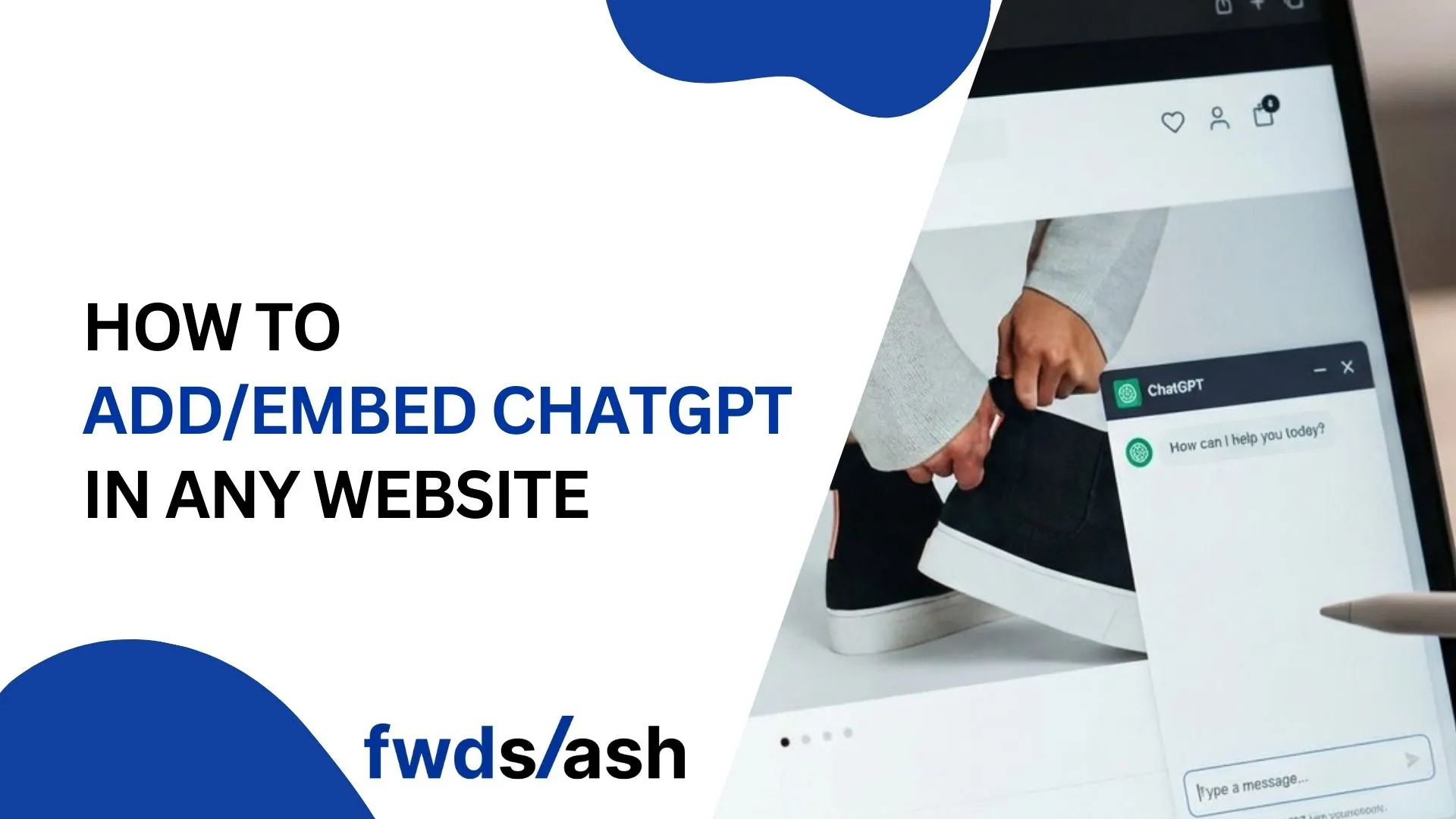
Want to add AI-powered chat to your website in minutes? This guide shows you exactly how to embed ChatGPT on any website using FwdSlash and other methods, from no-code solutions to custom API integrations.
How to Add/Embed ChatGPT in Any Website [2026]
Method 1: Deploy ChatGPT on Your Website with FwdSlash
FwdSlash is an AI agent builder powered by Cyces AI that lets you create, customize, and deploy intelligent chat agents in minutes. Unlike generic chatbot tools, FwdSlash agents are behavior-driven and can handle real user intent, from answering queries to capturing leads and booking meetings.
Here is the exact process to get your AI agent live in under 10 minutes.
Step 1: Connect Your Knowledge
Start by feeding your agent the information it needs to answer questions accurately. FwdSlash gives you multiple options to train your agent.
- Upload files like PDFs, Word documents, and text files containing product info, FAQs, and policies
- Add your website URL to let the agent crawl and learn from your existing content
- Connect your sitemap for automatic content updates
- Manually add Q&A pairs for precise control over specific answers
Step 2: Pick Your AI Model
FwdSlash supports multiple large language models. Choose based on your needs.
- GPT-4o Mini: Best balance of speed and intelligence for most use cases
- Claude 3 Haiku: Excellent for nuanced, conversational responses
- Gemini: Strong at handling complex, multi-step queries
- Mistral: Cost-effective option for high-volume deployments
Step 3: Design Your Agent Behavior
Configure how your agent interacts with visitors. This is where FwdSlash shines with its behavior-driven approach.
- Set the agent personality to match your brand voice
- Define greeting messages and conversation starters
- Configure fallback logic for questions outside the knowledge base
- Set up lead capture forms that trigger at the right moments
- Enable meeting scheduling for qualified prospects
Step 4: Deploy Anywhere
FwdSlash provides multiple deployment options to reach customers wherever they are.
- Website Widget: Copy the embed code and paste it into your site HTML
- WhatsApp: Connect your business WhatsApp for conversational commerce
- Slack: Deploy as an internal support bot for your team
- API: Integrate directly into your application for custom implementations
- Zapier: Automate workflows by connecting to thousands of apps
Why FwdSlash Stands Out
AI Agents for Every Business Function
FwdSlash agents adapt to different business needs. Here are the most common use cases.
Customer Support & FAQ
Provide instant, accurate answers to boost customer satisfaction. Your agent learns from your help docs and provides consistent responses 24/7, freeing your support team to handle complex issues that need a human touch.
Scheduling & Booking
Streamline client and internal appointments with AI that understands context. The agent can check availability, suggest times, and book meetings directly, reducing the back-and-forth email chains.
Internal Workflow Support
Deploy agents inside your company on Slack to help teams navigate internal processes, policies, and documentation. New hires can get answers instantly instead of waiting for colleagues to respond.
Lead Generation & Qualification
Capture leads through intelligent conversation. The agent qualifies prospects by asking the right questions and collects contact information naturally within the chat flow.
Method 2: Direct OpenAI API Integration
While FwdSlash offers the fastest path to deployment, here are other approaches depending on your technical requirements.
For businesses that need complete control over their AI chatbot, you can build a custom solution using the OpenAI API directly. This approach requires developer resources and typically takes several hours to a few days to implement.
This method is ideal when:
- You need deep customization that no-code platforms cannot provide
- You are integrating AI chat into an existing application
- You have specific security, compliance, or data handling requirements
- Your development team wants full control over the experience
Step 1: Set Up an OpenAI Account
Create an account at platform.openai.com and add a payment method. The API uses pay-as-you-go pricing, so you only pay for what you use. Generate an API key from the dashboard and store it securely.
Estimated time: 10-15 minutes
Step 2: Set Up a Backend Server
Your developer will create a backend server that acts as a secure middleman between your website and OpenAI. This server handles API authentication, conversation history, and keeps your API key hidden from website visitors.
Common technologies used: Node.js, Python, or any server-side language your team prefers.
Estimated time: 2-4 hours
Step 3: Build the Chat Interface
Your developer will create a frontend chat widget that matches your website design. This includes the chat bubble, message display area, input field, and send button. The widget communicates with your backend server to send and receive messages.
Estimated time: 2-4 hours
Step 4: Train on Your Business Content
Customize the AI's knowledge by providing your developer with business information to include in the system prompt. This includes company details, product information, FAQs, policies, and guidelines for how the chatbot should respond.
Provide your developer with:
- Company description and key offerings
- Top 20-30 frequently asked questions and answers
- Pricing information and plan details
- Return, shipping, and support policies
- Tone and personality guidelines
- Escalation triggers (when to hand off to humans)
Estimated time: 1-2 hours (content preparation)
Step 5: Deploy the Backend
Your developer will deploy the backend server to a hosting platform like AWS, Vercel, Railway, Heroku, or your existing infrastructure. This makes the chatbot accessible from your live website.
Key requirements:
- HTTPS enabled for security
- Environment variables configured for API keys
- CORS settings to allow your website domain
Estimated time: 1-2 hours
Step 6: Embed on Your Website
Add the chat widget code to your website. Your developer will provide a code snippet to paste before the closing </body> tag on pages where you want the chatbot to appear.
Estimated time: 30 minutes
Step 7: Test and Launch
Test the chatbot thoroughly before going live. Check different question types, conversation flows, mobile responsiveness, and error handling. Monitor API costs in your OpenAI dashboard after launch.
Testing checklist:
- Desktop and mobile devices
- Common customer questions
- Edge cases and error scenarios
- Multi-turn conversations
- Human escalation triggers
Estimated time: 1-2 hours
Don't Have Developer Resources?
If building a custom solution seems too time-consuming or expensive, FwdSlash lets you deploy the same AI capabilities in 4 minutes with no coding required:
- Multi-model support (GPT-4o Mini, Claude, Gemini, Mistral)
- Built-in lead capture and meeting scheduling
- Deploy on website, WhatsApp, Slack, and via API
- Train on your content automatically
- Simple pricing starting at $0/month
Get started free at fwdslash.ai
Benefits of Adding ChatGPT to Your Website
Common Mistakes to Avoid
- Skipping training: Generic responses frustrate users. Always train on your specific content.
- Ignoring fallback logic: Configure what happens when the agent cannot answer a question.
- No human escalation path: Some queries need a human. Set up handoff triggers.
- Forgetting mobile users: Test your chat widget on mobile devices where most traffic comes from.
- Set and forget mentality: Review conversation logs regularly to improve agent performance.
Conclusion:
Adding an AI agent to your website does not have to be complicated or expensive. With FwdSlash, you can go from zero to live in under 10 minutes, with no coding required.
Start with the free plan to test the platform. Deploy your first agent today and see how intelligent automation can transform your customer interactions, capture more leads, and free your team to focus on what matters.
Visit fwdslash.ai to get started for free.
Frequently Asked Questions
1) Can I add ChatGPT to my website for free?
Yes. FwdSlash offers a free plan with 1 agent and 50 messages per month, perfect for testing. Other platforms like Elfsight and Botsonic also have free tiers. If using the OpenAI API directly, you pay only for usage with no monthly subscription.
2) Do I need coding skills to embed ChatGPT on my website?
No. Platforms like FwdSlash are built for non-technical teams. You can build, train, and deploy AI agents through a visual interface without writing any code. Simply copy-paste an embed code into your website HTML.
3) How long does it take to add ChatGPT to a website?
With FwdSlash, you can deploy a working AI agent in 4 minutes. Most no-code platforms take 5-15 minutes. Custom API integrations take longer, from several hours to a few days depending on complexity.
4) How do I train the chatbot on my business information?
Upload documents (PDFs, Word files), add your website URL for automatic crawling, connect your sitemap, or manually create Q&A pairs. The chatbot uses this knowledge to answer questions specific to your products, services, and policies.
5) What happens if the chatbot can't answer a question?
You configure fallback behavior in your settings. Options include showing a helpful message, collecting contact info for follow-up, or escalating to a human agent via Slack or email. FwdSlash lets you customize this logic to match your workflow.


Lastest blog posts
Tool and strategies modern teams need to help their companies grow.